AI-ready templates
Templates that AI assistants can actually use.
Ask Copilot to build a deck from most company templates and text lands in the wrong boxes, the colours drift and half the slides end up on Blank. It’s usually the template. I rebuild it so the AI gets it right, with a user guide written for the AI.
What the AI sees now
- Custom Layout 7
- Custom Layout 7
- 1_Title and Content
- Blank
- 2_Custom Layout
What it sees after
- Cover
- Section divider
- One idea with image
- Chart
- Closing and contact
Same brief, before and after the fix.
I gave Copilot, ChatGPT and Claude the same brief and a template bought from a marketplace, fixed the template, and asked again. Usable slides out of 10, nothing made up.
- ChatGPT: 2 usable slides out of 10 before the fix, 10 after.
- Copilot: 3 usable slides out of 10 before the fix, 10 after.
- Claude: 7 usable slides out of 10 before the fix, 10 after.
The £99 audit
Not sure where to start? This is what £99 gets you.
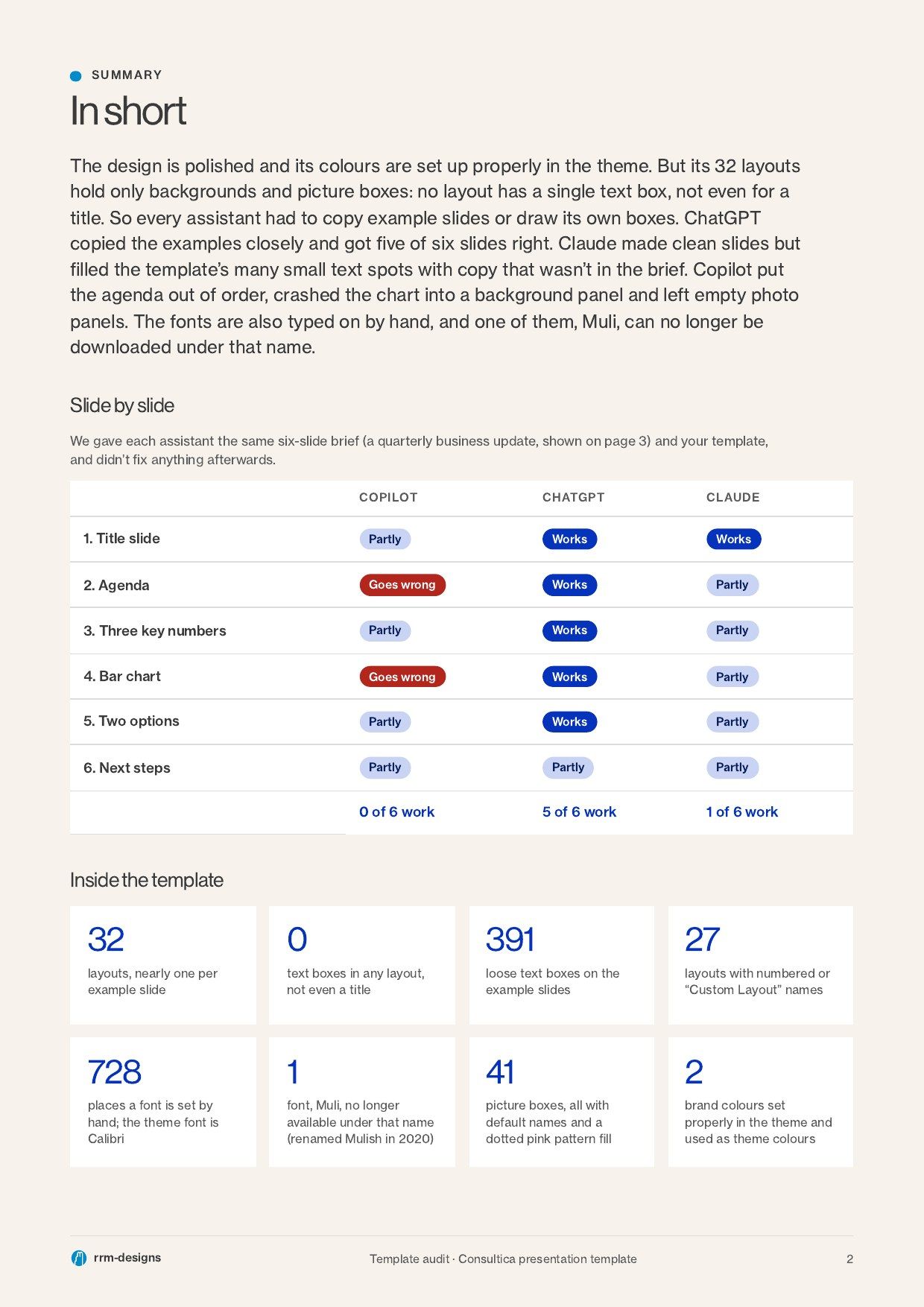
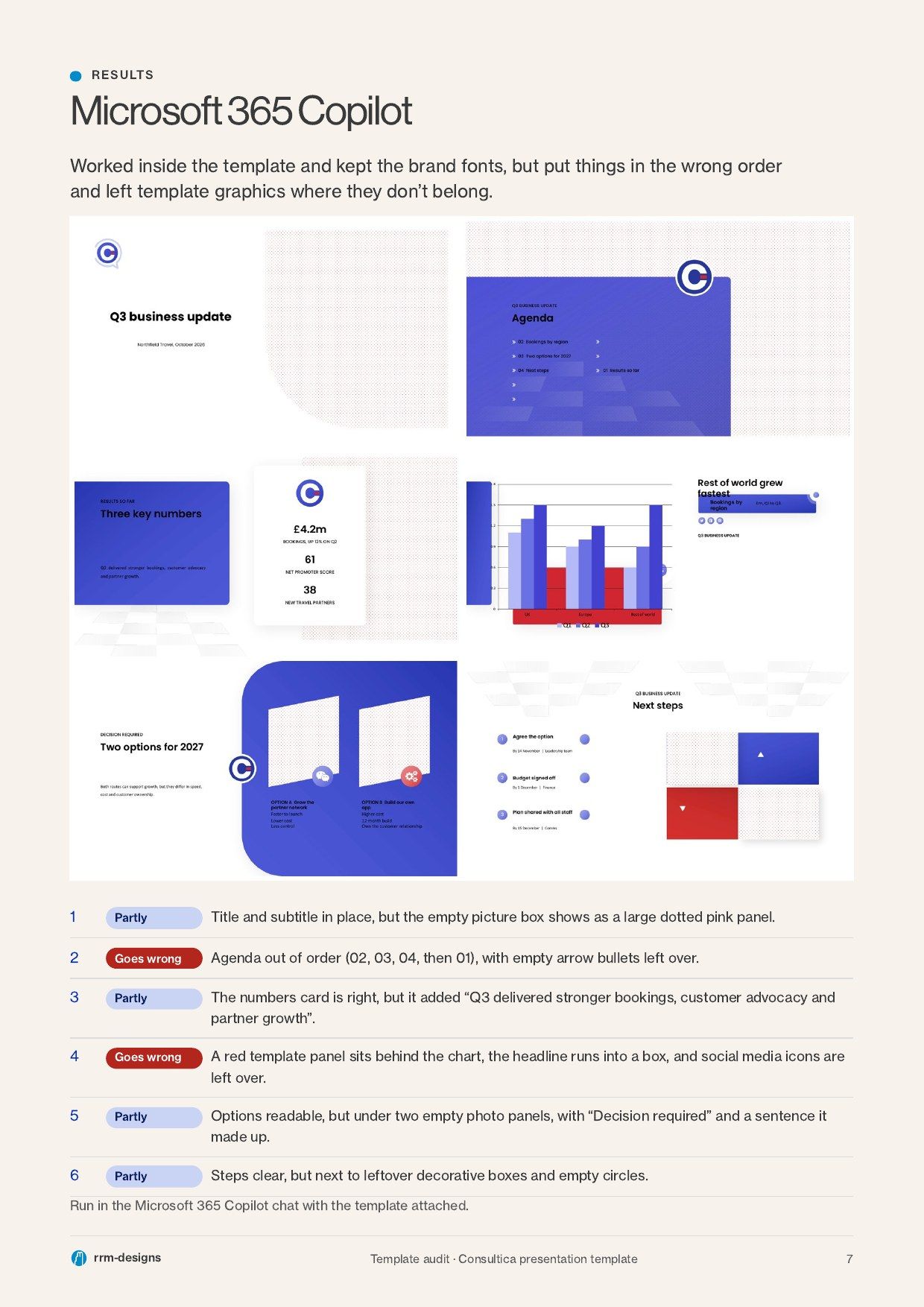
Upload your template and within one working day you’ll get a detailed PDF report: what Copilot, ChatGPT and Claude make of it, what’s wrong with each layout, and step-by-step fixes, most important first.
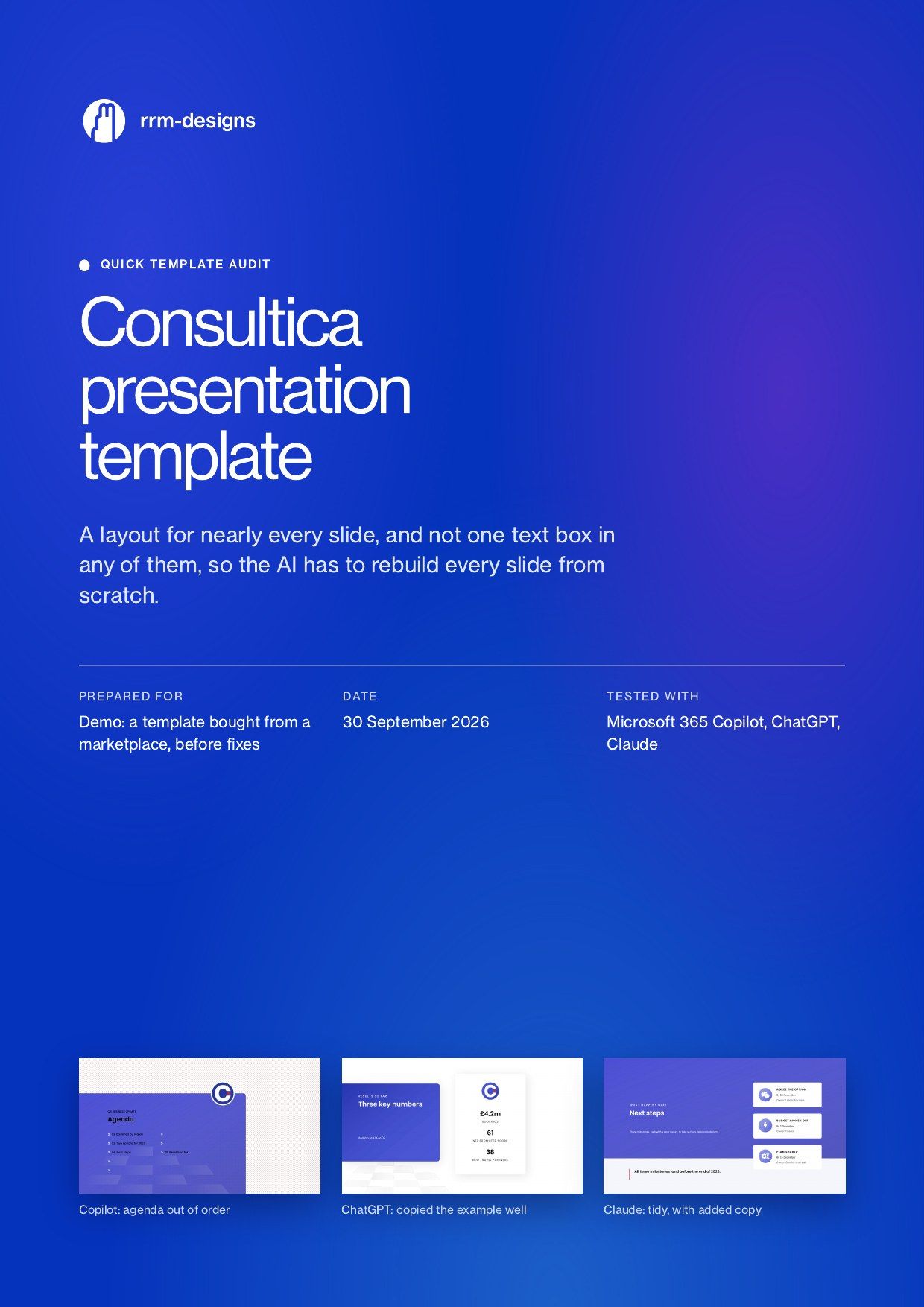
These pages are from a real report, on a demo template bought from a marketplace.
How client files are handled
- Templates are tested in Claude, ChatGPT and Copilot, depending on what you use.
- Client files are never used to train AI models. I only use AI accounts set up for commercially sensitive work.
- NDAs are signed on request, and files are deleted a year after delivery.
How I use AI in my own work
I use AI for the parts of a job that are repetitive or hard to see by hand: reading a template’s structure layout by layout, scripting the same fix across twenty layouts, and running real briefs through Copilot, ChatGPT and Claude to see what breaks. Deciding what should be a placeholder, and what shouldn’t, is still a design decision, and that stays with me.
Questions
Which assistants does this work with?
Claude, ChatGPT and Copilot. It can work with other AI agents too, just ask.
Do you need access to our Microsoft 365?
No. Send me the template file and I’ll do the rest.
Can you fix our existing template or do you start again?
Either. I can rebuild the template you have, or start a new one if that’s the better route.
How long does it take?
It depends on the template. You’ll get a timeline with the quote.
What does it cost?
Every template is quoted per project, usually within a day of the brief. See services
How does the quick audit work?
Book and pay £99 (including VAT for UK customers), and upload your template. Within one working day you’ll get a detailed PDF report by email: screenshots of what Copilot, ChatGPT and Claude do with it, what’s wrong with each layout, and step-by-step fixes, most important first. Read the terms